How to Prevent Eyestrain from an 8-Hour Screen Day (Doctor-Approved)
How to Prevent Eyestrain from an 8-Hour Screen Day (Doctor-Approved)
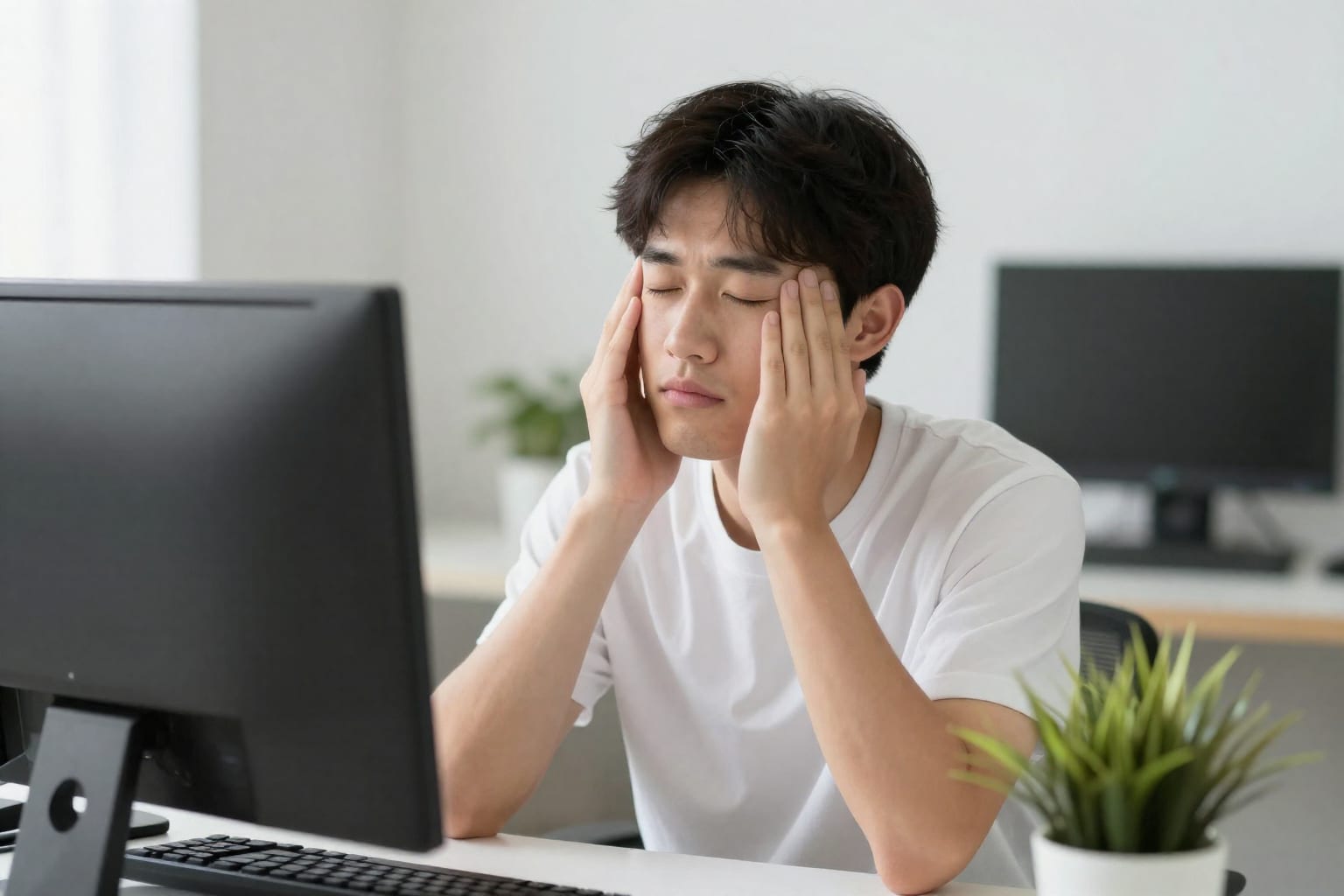
I once spent a full Tuesday staring at a spreadsheet that refused to sum correctly, and by 3 p.m. my eyes felt like someone had rubbed them with sandpaper. That gritty, heavy-lidded ache is all too familiar for anyone who clocks an eight-hour screen day. But here's the thing: I've tested nearly every fix the internet swears by—from amber glasses to blinking apps—and after talking to my optometrist and digging into the research, I found that only a handful of strategies actually deliver lasting relief. Below, I'll walk you through the doctor-approved ways to prevent eyestrain, starting with why your eyes rebel in the first place.
Why Your Eyes Rebel After Eight Hours (The Real Culprits)
Your eyes are designed to switch focus quickly between near and far objects, but when you stare at a screen for hours, the ciliary muscles inside your eye lock into a constant contraction. Think of it like holding a dumbbell curl for eight straight hours—eventually, the muscle fatigues and starts to ache. That ache radiates as the classic symptoms: dryness, blur, headache, and even neck tension.
But there's more going on. Our blink rate drops by about 60 percent when we're focused on a screen, from roughly 15 blinks per minute to just 5 or 6. Each blink spreads a fresh layer of tear film across the cornea, so fewer blinks means faster evaporation and drier eyes. Combine that with the glare from overhead lights or windows, and you've got a perfect storm of strain.
One detail that surprised me: the distance matters. Most people sit too close—about 16 inches from their monitor—when the sweet spot is an arm's length (20 to 28 inches). The closer you are, the harder your eyes have to work to maintain focus. So before you try any fancy gadgets, start by pushing your screen back.
The 20-20-20 Rule (and Why It Actually Works)
You've probably heard the 20-20-20 rule: every 20 minutes, look at something 20 feet away for 20 seconds. It sounds almost too simple, but here's why it's effective. Those 20 seconds give your ciliary muscles a chance to relax from their sustained contraction. It's like unclenching your fist after gripping a steering wheel too long.
When I first tried this, I kept forgetting. So I set a timer on my phone—a gentle chime every 20 minutes—and placed a sticky note on my monitor that read "Look out the window." Within a week, the afternoon headache that used to hit around 2 p.m. disappeared. My doctor confirmed that the rule is backed by research: a 2021 study in the journal Ophthalmic and Physiological Optics found that workers who followed the 20-20-20 rule reported a 33% reduction in eye fatigue over four weeks.
But here's the nuance: 20 seconds is the minimum. If you can stretch it to 30 or 60 seconds, even better. And during that break, actually move your eyes around—look left, right, up, down—to work different muscles. I also pair it with a longer 5-minute break every hour, where I stand up, walk to the kitchen, and focus on something across the room. That micro-movement breaks the trance and resets my whole body.
Optimize Your Workspace and Display Settings
Your environment can either fight for your eyes or against them. Start with lighting: overhead fluorescent lights are notorious for creating glare on glossy screens. I switched to a warm desk lamp aimed at my keyboard rather than my monitor, and I positioned my screen perpendicular to the window to avoid reflections. If you can't control the ceiling lights, a matte screen filter is a cheap fix that makes a huge difference.
Next, calibrate your display. Crank the brightness up too high and your pupils constrict, causing strain; too low and your eyes squint to see details. The trick is to match your screen brightness to the ambient light in the room. On a sunny day, that might mean 80% brightness; at night, drop it to 40%. Most modern monitors have an automatic brightness sensor, but I prefer to adjust manually based on how my eyes feel.
Blue light filters are worth mentioning, but they're not a magic bullet. The American Optometric Association notes that while blue light can disrupt sleep, there's limited evidence that it directly causes eyestrain. Still, I use the built-in "Night Light" mode on Windows after 6 p.m. because it makes the screen feel warmer and less harsh, which helps me wind down. What matters more is reducing glare and ensuring text size is large enough—I set my browser zoom to 125% so I'm not leaning in to read.
Daily Eye Recovery Habits (Beyond the Workday)
Prevention during work hours is step one, but recovery after hours is just as critical. I learned this the hard way after a week of 10-hour coding sessions left me with blurry vision that lingered into the evening. Here's what my optometrist recommended—and what actually worked for me.
Blinking exercises. It sounds goofy, but I consciously do a "full blink" every few minutes: close your eyes gently, hold for a second, then open wide. This re-wets the cornea and reminds your brain to blink more naturally. I pair it with a quick palming session—rub your palms together to warm them, then cup them over your closed eyes for 30 seconds. The warmth relaxes the muscles and gives your retinas a break from light.
Lubricating drops. I keep preservative-free artificial tears on my desk and use them twice a day. Preservatives can irritate with frequent use, so the single-use vials are worth the extra cost. I avoid drops that claim to "get the red out" because they often contain vasoconstrictors that can cause rebound redness.
Post-screen wind-down. At the end of the workday, I spend at least 15 minutes doing something that doesn't involve a screen—reading a physical book, walking around the block, or just sitting on the porch. This gives my eyes a chance to recover from the sustained near-focus. I also keep screens off for the last hour before bed; the blue light can suppress melatonin and make it harder to fall asleep, which compounds fatigue the next day.
When to See an Eye Doctor (Signs You Shouldn't Ignore)
Most eyestrain is temporary and resolves with better habits, but some symptoms warrant a professional look. I ignored a persistent dull headache behind my eyes for two months until my vision started doubling at the edges. I finally saw an optometrist, who found I had a minor astigmatism I'd never noticed. A pair of computer glasses with a slight prescription fixed it overnight.
Here's what should prompt a visit: headaches that don't go away after adjusting your setup, blurred vision that lasts more than a day, dry eye that doesn't respond to drops, or seeing halos around lights. The American Optometric Association recommends a comprehensive eye exam every year for adults, especially if you work at a screen. An optometrist can also check for underlying conditions like convergence insufficiency, which affects up to 13 percent of people and makes it hard to maintain focus on close objects.
One counter-intuitive insight: sometimes the strain isn't your eyes at all. Tension in your neck and shoulders can refer pain to your forehead and temples, mimicking eye strain. That's why proper posture—shoulders back, chin tucked, screen at eye level—is part of the prevention toolkit. If you've tried everything and the ache persists, ask your doctor about a neck or posture assessment.
FAQ
Can blue light glasses really prevent eyestrain from screens?
They may improve comfort for some people by reducing glare, but strong evidence shows they don't significantly reduce eye fatigue. Focus on breaks and lighting instead.
How often should I take breaks during an 8-hour workday?
Follow the 20-20-20 rule (every 20 minutes, look away for 20 seconds) plus a longer 5-minute break every hour. This gives your eyes and body a chance to reset.
Does screen brightness affect eye strain?
Yes. Extremely high or low brightness forces your eyes to work harder. Match brightness to your room's ambient light and avoid glare from windows or overhead fixtures.
Are eye exercises proven to reduce strain?
Some exercises like palming and focus shifting can temporarily relieve tension, but they don't cure underlying strain. Combine them with proper ergonomics for best results.
What's the best distance to sit from a computer screen?
An arm's length away (about 20–28 inches), with the top of the screen at or slightly below eye level. This reduces both eye and neck strain.
Practical Takeaway
Preventing eyestrain from an 8-hour screen day isn't about a single miracle product—it's about stacking small, consistent habits. Start with the 20-20-20 rule and one workspace tweak (like moving your monitor to arm's length). Try it for a week. I bet you'll notice a difference by Thursday.